
Audience
- Admins
- Support staff
Spaceman Portal Access Custom Settings
Every Page within Spaceman Portal (other than "Summary") can be hidden and / or set to be editable.
Go to:
Settings → Custom Settings → Page “Spaceman Portal Access” 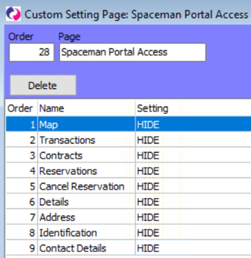
Each custom setting in this page lets you control what is hidden, what is shown, and in some cases, what is editable for customer accounts on Spaceman Portal.
- HIDE – Tab or Functionality is hidden
- SHOW – Tab or Functionality is shown
- READ ONLY – Tab is shown, but not editable for customers
- READ WRITE – Tab is shown and editable
These are the Portal Access Custom Settings
Map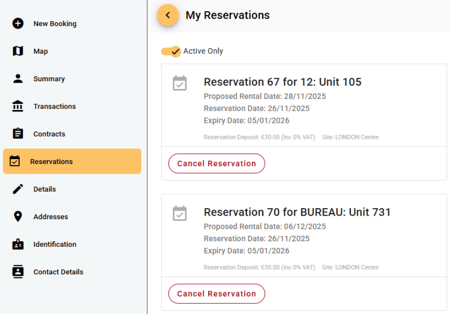
- Transactions
- Contracts
- Reservations
- Cancel Reservation
- Details
- Address
- Identification
- Contact Details